Smart Forms · E-signature
Write, sign and save documents
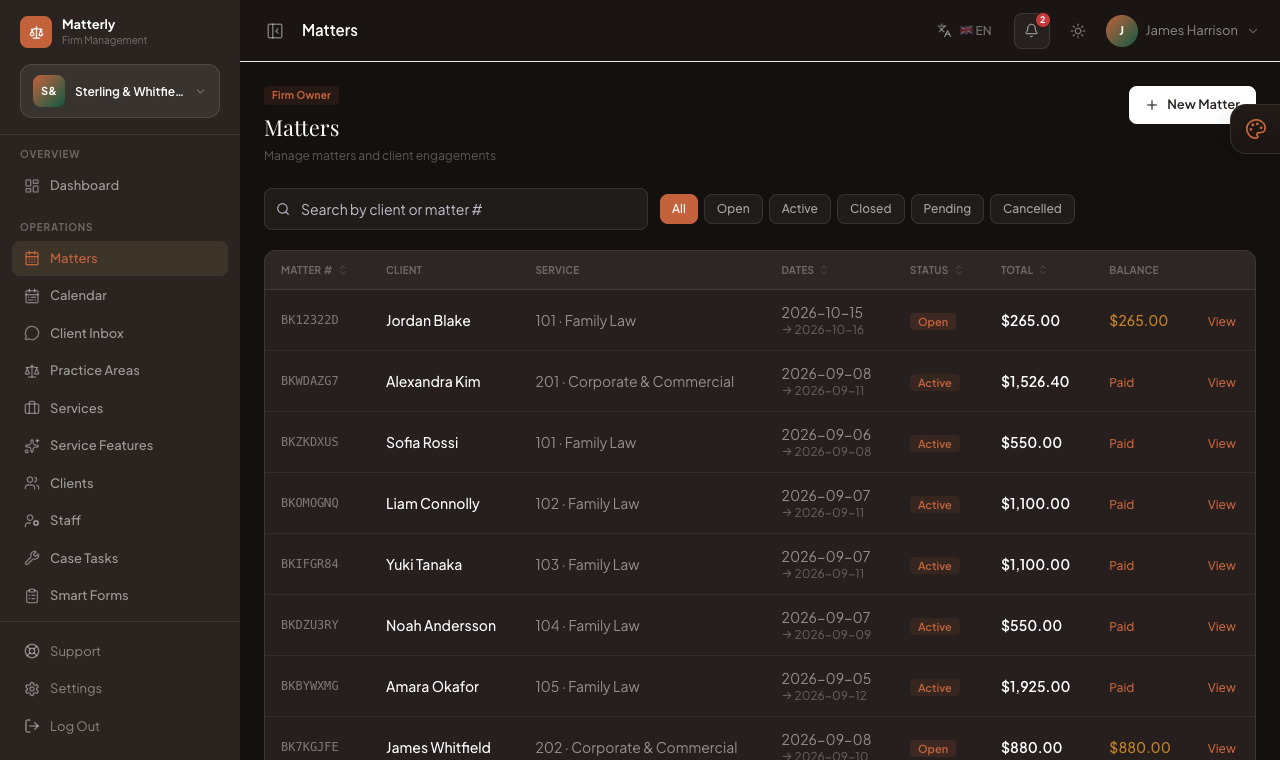
Tell LawDesk what document you need in plain English. It writes the draft and the boxes to fill in. Send a secure link, collect the answers and the signature, and the signed PDF is saved to the case.
-
 1
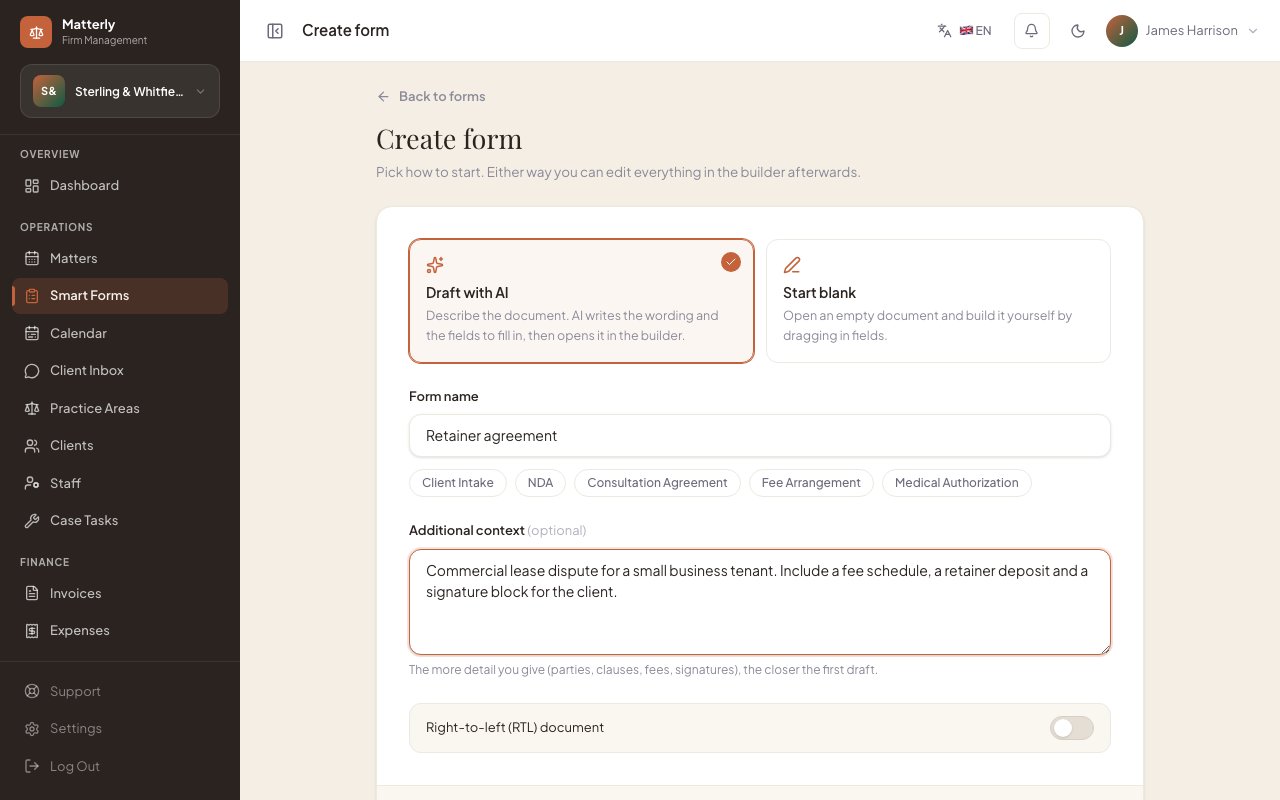
1Describe it
Type what the document is for. AI writes the wording and the boxes the client fills in.
-
 2
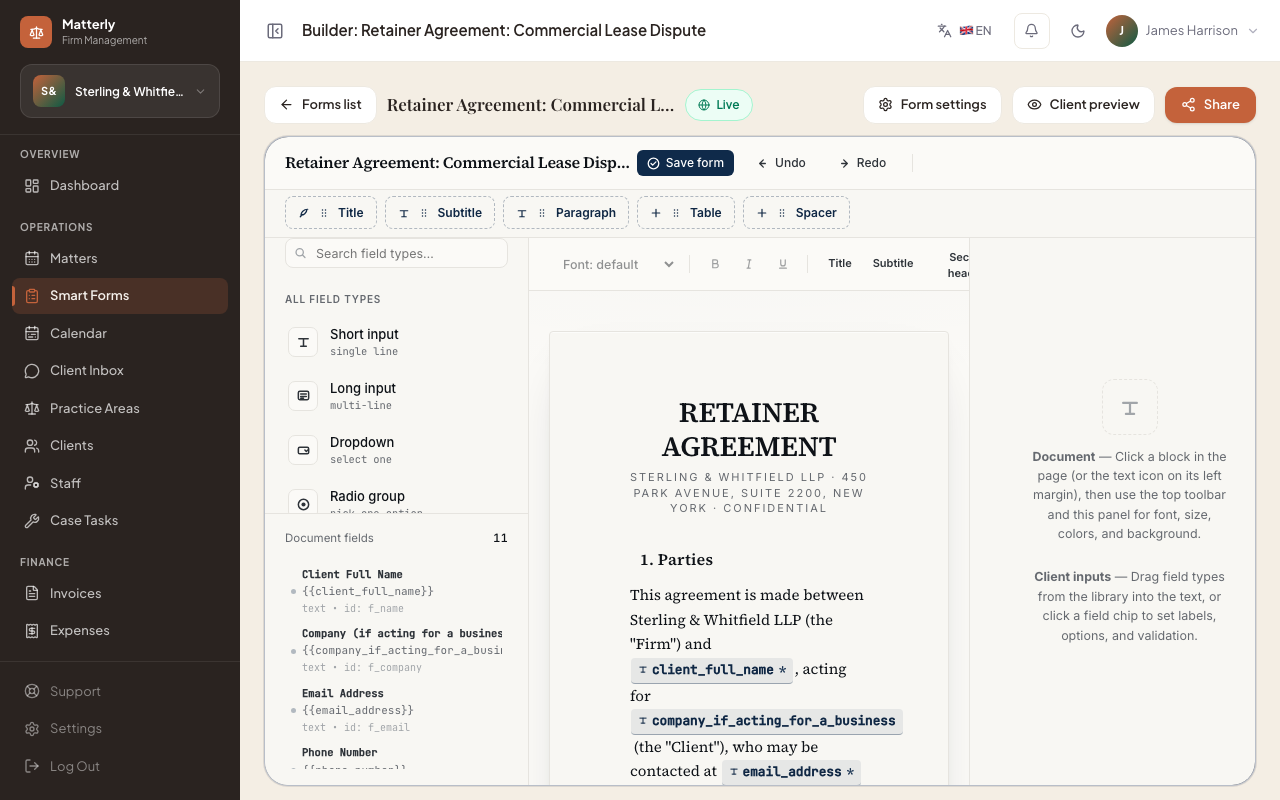
2Edit it
Change any clause, box or signer in the editor.
-
 3
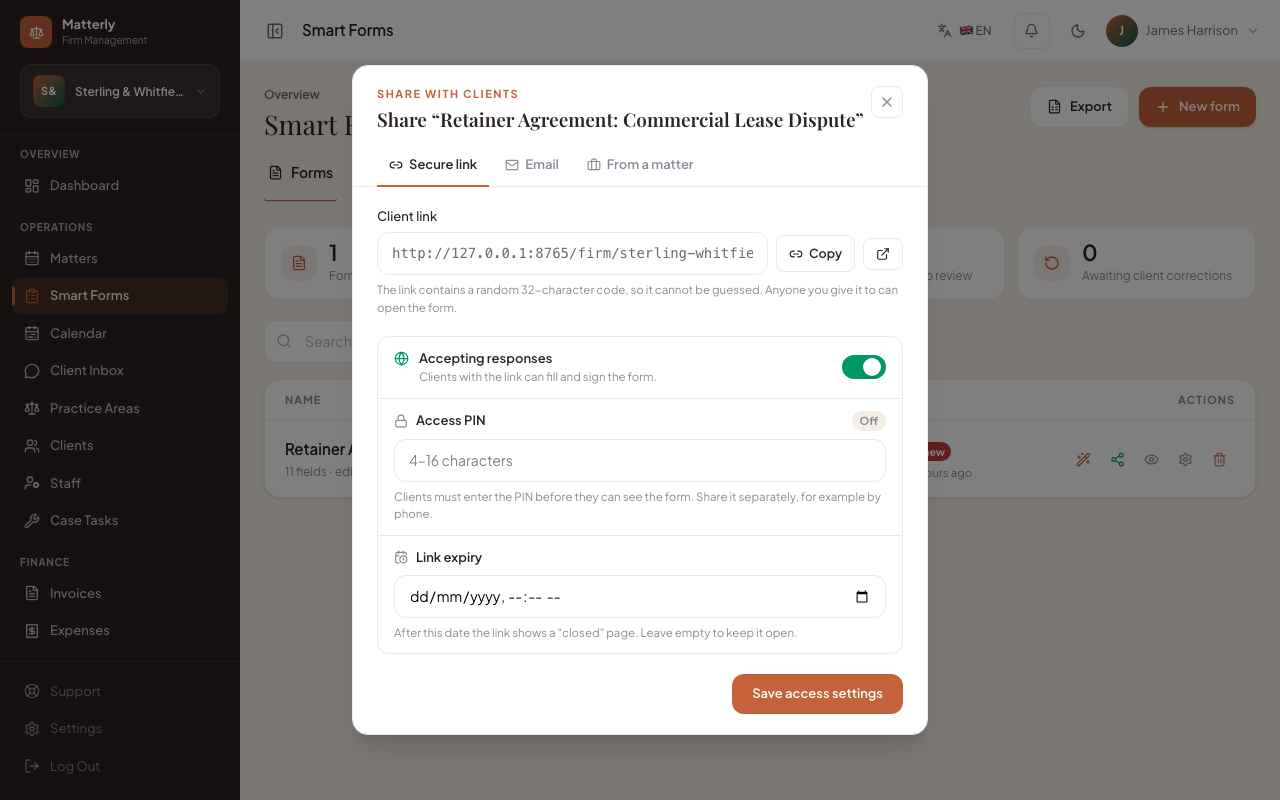
3Send a secure link
Send it from the case. Add a PIN and an end date if you want.
-
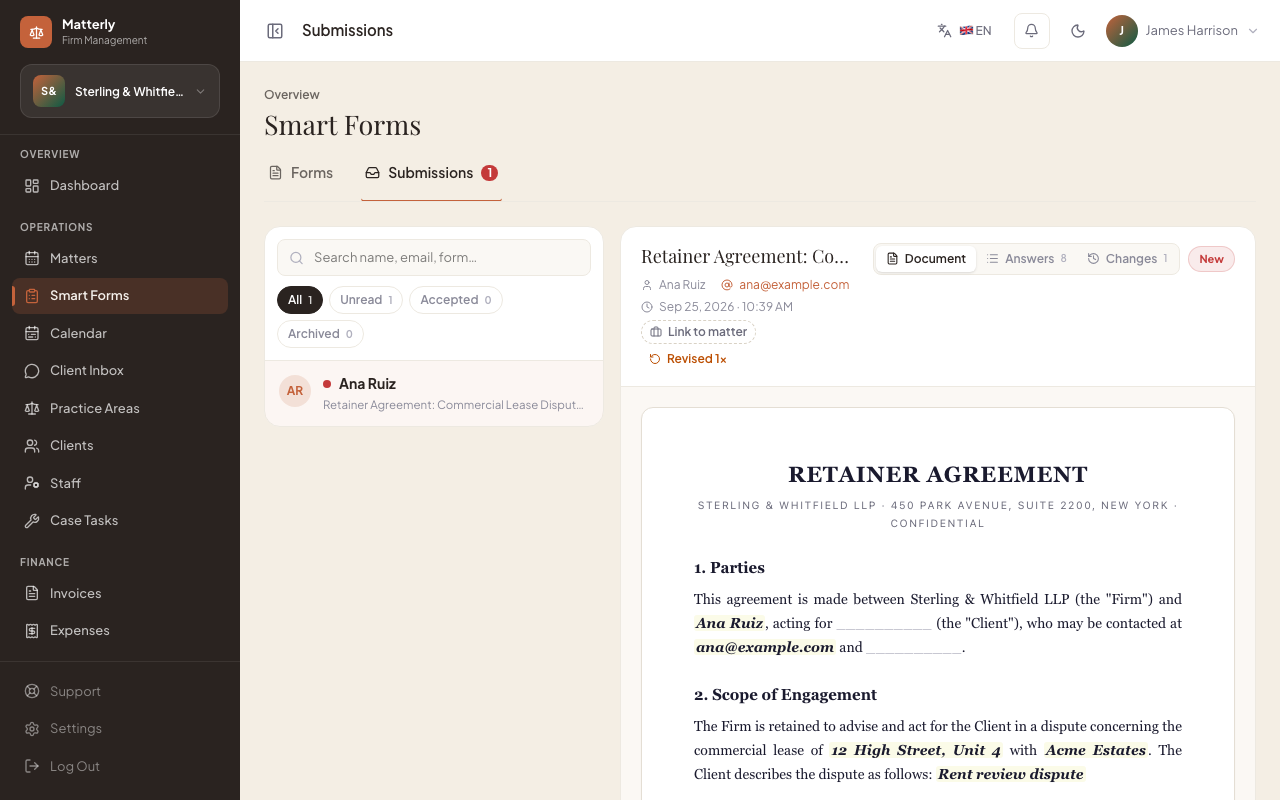 4
4Signed PDF on the case
The answers and the signature come back as a PDF, saved to the case.